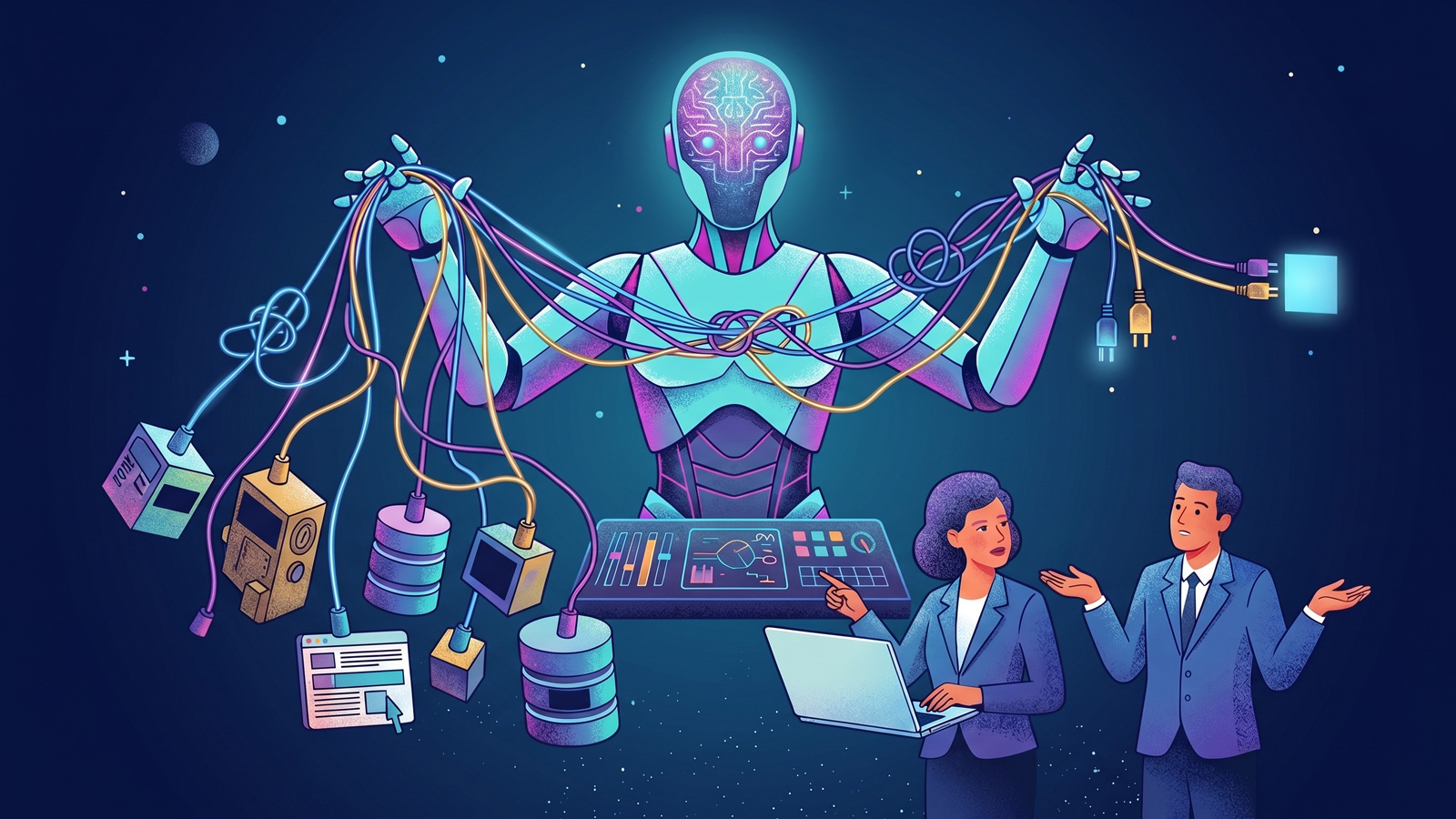
We saw a reel recently that hit a nerve with every developer who watched it. A boss stands over a developer’s shoulder, saying “just get the AI to connect the APIs.” The developer explains it’s not that simple. The boss repeats it. “Just get the AI to connect the APIs.” Over and over, with the same cheerful confidence, as if saying it more times will make it true.
It’s funny because it’s real. Every developer has been in a version of this meeting. Someone senior, someone non-technical, someone genuinely trying to be helpful, will suggest a solution that assumes AI is a magic wand that turns “we need these two systems to talk to each other” into a working integration by lunchtime.
The frustrating thing is, they’re not entirely wrong. AI genuinely has changed how developers work, including on API integration projects. It’s just not the button-pressing exercise the reel’s boss thinks it is.
This article is for the non-technical decision maker who wants to understand what “connecting APIs” actually involves, what AI can and can’t do, and how to have better conversations with your development team about it.
What people usually mean when they say “connect the APIs”
An API is the language two pieces of software use to talk to each other. When someone says “let’s connect our CRM to our accounting software,” what they’re really asking is: can these two systems share data automatically, so we stop copying it between them by hand?
The visible outcome is simple. A new customer added in one system appears in the other. An invoice paid in one system updates the record in the other. No more manual data entry, no more mistakes.
The invisible complexity behind that outcome is what developers spend their time on.

What AI genuinely does help with
Let’s give the boss in the reel some credit. AI has meaningfully changed how developers work on integration projects.
AI can write boilerplate code much faster than a developer typing it manually. If a developer needs a standard function to send data to an API, AI will produce a reasonable first draft in seconds. That saves real time.
AI can help interpret API documentation. Most APIs come with dense technical documentation that used to require careful reading. Now developers can paste sections into AI and ask, “What does this endpoint actually do?” and get a useful explanation.
AI can suggest solutions to common problems. Error messages, unexpected responses, unusual data formats. AI can often spot the issue faster than a developer searching Stack Overflow.
For a good developer, AI is a genuinely useful assistant. It removes some of the tedium and speeds up the parts of the work that were always mechanical anyway.

What AI can’t do (yet)
Here’s where the boss in the reel starts to run into trouble. Some of these things AI can help with, as long as a developer is checking the work. Others AI genuinely can’t do alone, no matter how good the prompt is.
Things AI can draft, but a developer has to validate
Authentication. Every API has its own way of proving who you are and what you’re allowed to do. OAuth flows, API keys, tokens, refresh cycles, permission scopes. AI can suggest patterns but a developer has to make deliberate decisions about which pattern is right for your specific situation. Get it wrong and you’ve either got a broken integration or a security hole.
Data mapping
The customer field in one system almost never matches the customer field in another. Names, addresses, currencies, dates, phone numbers, product codes. All different. AI can help draft the mapping, but a developer has to validate every field against real data, catching the exceptions and edge cases that only reveal themselves in your actual business.
Error handling
APIs fail. Networks drop. Systems go down for maintenance. Rate limits get hit. AI can suggest generic patterns for handling these but the right answer depends on how critical the data is and what your team needs to know when things break. Silent failures on business-critical data are a nightmare a developer will help you avoid.
Things AI genuinely can’t do alone
Business logic
What should happen when a customer exists in one system but not the other? Do you create a new record? Update the existing one? Alert someone? Skip it? These aren’t technical questions; they’re business questions. AI can’t answer them because it doesn’t know your business.
Quality control
AI code often looks right without actually being right. It compiles, it runs, and on the surface it does what was asked. But subtle bugs, incorrect assumptions and quiet failures are common. Code that returns a value when it should return nothing, ignores errors instead of handling them, or works fine on the happy path but breaks on anything unusual. A developer has to read every line, understand what it actually does versus what it looks like it does, and test it against real conditions. Without that review, you’re not building software, you’re rolling dice.
Third-party libraries
AI will confidently recommend importing packages to do things faster. Sometimes those packages are excellent, well-maintained and used by thousands of businesses. Sometimes they’re abandoned, riddled with security vulnerabilities, or maintained by a single anonymous developer who could disappear tomorrow. Every third-party dependency is code you didn’t write running inside your business, with access to your data. A developer checks what each library does, who maintains it, when it was last updated and whether it has any known security issues. AI doesn’t do that check.
Code maintainability
AI writes code that solves the immediate problem. It doesn’t think about what happens six months from now when someone else needs to change it. AI-generated codebases often lack consistent structure, meaningful naming, useful comments and the small architectural decisions that make code easy to work with over time. What looks like a working solution today can become a nightmare to modify or extend tomorrow, especially when the person modifying it isn’t the person (or AI) who wrote it originally.
Security
Every API integration is a potential attack surface. Data can be intercepted, credentials can be leaked, permissions can be exploited. A properly built integration considers all of these. An AI-generated integration written to look plausible often doesn’t.
Ongoing maintenance
APIs change. Providers release new versions, deprecate old endpoints, adjust rate limits and update authentication requirements. An integration that works today might break in six months. Someone has to monitor for those changes and update the code. AI doesn’t do that on its own.
Where the real complexity lives
The developer’s frustration in that reel isn’t that the boss suggested using AI. It’s that the boss framed the problem as trivial when the difficult work isn’t the code, it’s the decisions.
Every integration project involves hundreds of small decisions. What happens in this edge case? How do we handle this data type? What if this field is empty? What if it’s not empty but contains something unexpected? How do we log this? Who gets notified when this fails?
None of those decisions can be outsourced to AI because none of them are code problems. They’re business problems dressed up as technical ones. Answering them well requires understanding your specific business, your specific data, your specific processes and your specific tolerance for risk.
A developer’s job on an API integration isn’t typing. It’s asking the right questions, thinking through consequences and building something that survives contact with your real business rather than a theoretical version of it.

How to have better conversations with your developer
If you’re the non-technical manager asking for an integration, here’s what actually helps:
Explain the business outcome, not the technical solution. “I need customers added to our CRM to appear in our accounting software” is far more useful than “just connect the APIs.” The developer will work out the how. Your job is being clear about the what and the why.
Be ready for questions. A good developer will ask you things like “what happens if a customer already exists?” or “do we sync historical data or only new records?” These questions aren’t your developer being difficult. They’re the actual work.
Accept that estimates for integration work are hard. A developer who quotes you two days for an API integration either knows something you don’t or is going to disappoint you later. Real integrations reveal complexity as they go. A good developer will give you a range and revise it as things become clearer.
Assume the finished integration needs testing. With real data, real edge cases and real users. Integrations that work in demo conditions often break when they meet the messy reality of your live systems.
When to bring in professional help
There’s a version of API integration that’s simple. Two well-documented systems, standard use case, low volume, minimal risk if it goes wrong. Some SaaS platforms even have pre-built integrations you can enable with a checkbox.
The rest of the time, when the data matters, when the integration is business-critical, when the systems involved are older or bespoke, or when the requirements are specific to how you actually run your business, it’s not a job for AI, and it’s not a job for a general developer with an AI subscription.
It’s a job for people who’ve built enough integrations to know what breaks, what to test for and what to plan for.
AI is a fantastic assistant to an experienced developer. It’s a dangerous copilot to someone who doesn’t know what they’re building.
If you’re looking at an integration project and it feels bigger than “just get the AI to do it,” you’re probably right. It usually is.
Final Thoughts
The reel is funny because it captures something true about the gap between how technical work looks from the outside and what it actually involves. AI hasn’t closed that gap. It’s just moved it.
The parts of software development that AI has genuinely made faster are the parts that were always mechanical. The parts that require judgment, business understanding and accountability are the same as they’ve always been, and always will be.
If you’re a business owner or manager thinking about API integrations, the most useful thing you can do is stop asking whether AI can do it and start asking whether the people doing it know what they’re doing.
Book a 30-minute consultation with a senior member of our team. No sales pitch, just a useful conversation about your integration project and what it will actually involve.